

Bring Your Own Data
NIKA Desktop meets your data where it already lives. Point the agent at the files and systems your team uses every day, and it reads them in place — no migration, no reformatting, no manual tagging.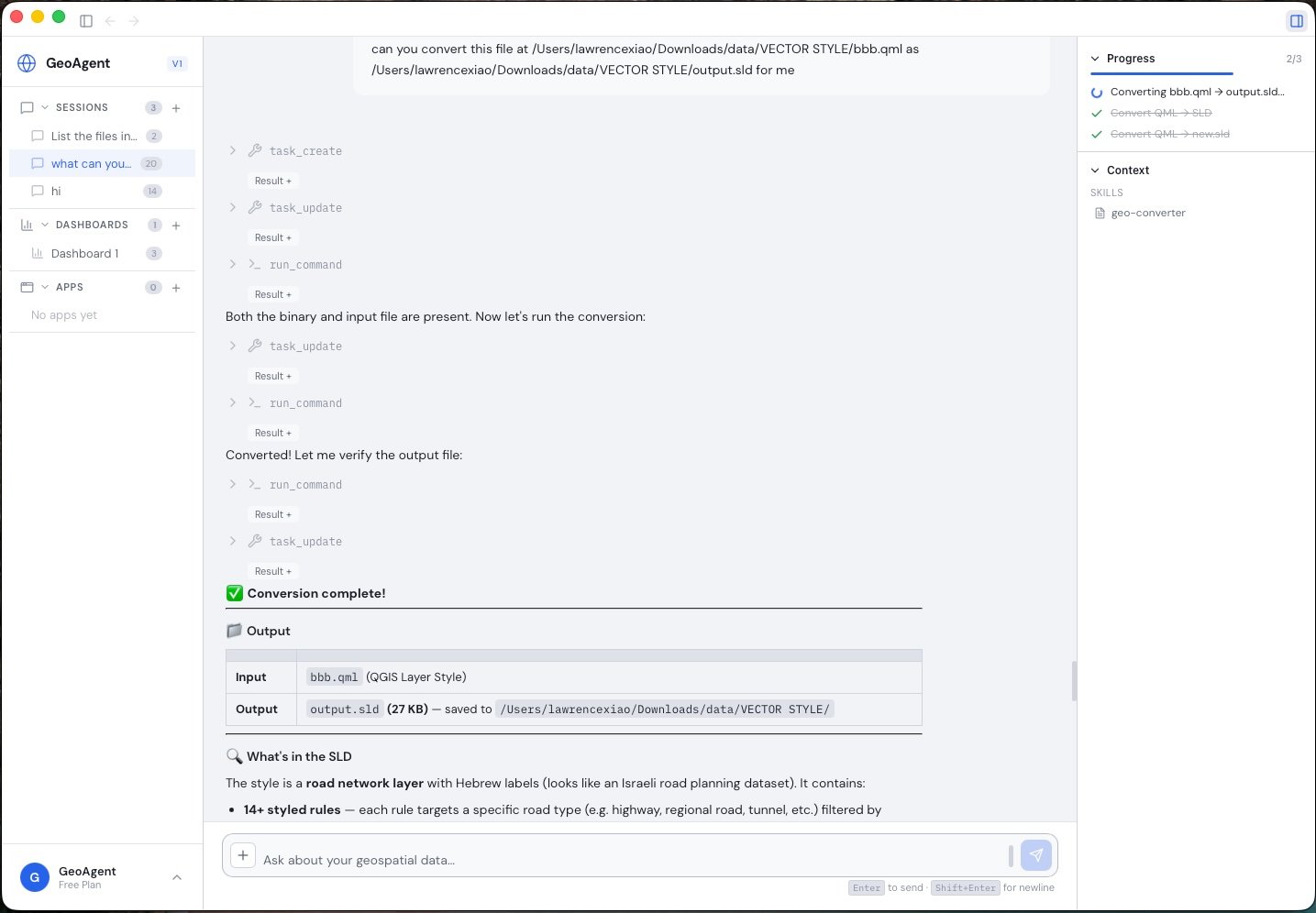
NIKA inspects your files and converts between formats on request, without leaving the conversation.
Your files
Reports, PDFs, drawings, field photos, spreadsheets, and raw geospatial datasets — drop them in and the agent works directly with them.
External & satellite data
Pull in the external and satellite data sources your industry already relies on to enrich the analysis with up-to-date context.
Data Inspection
NIKA includes built-in tools for inspecting geospatial data without leaving the chat.- Vector metadata — read layers, coordinate reference systems, and attribute schemas from any supported vector format
- Raster metadata — read dimensions, band counts, CRS, and statistics from any supported raster format