

Your Autonomous Location Analyst
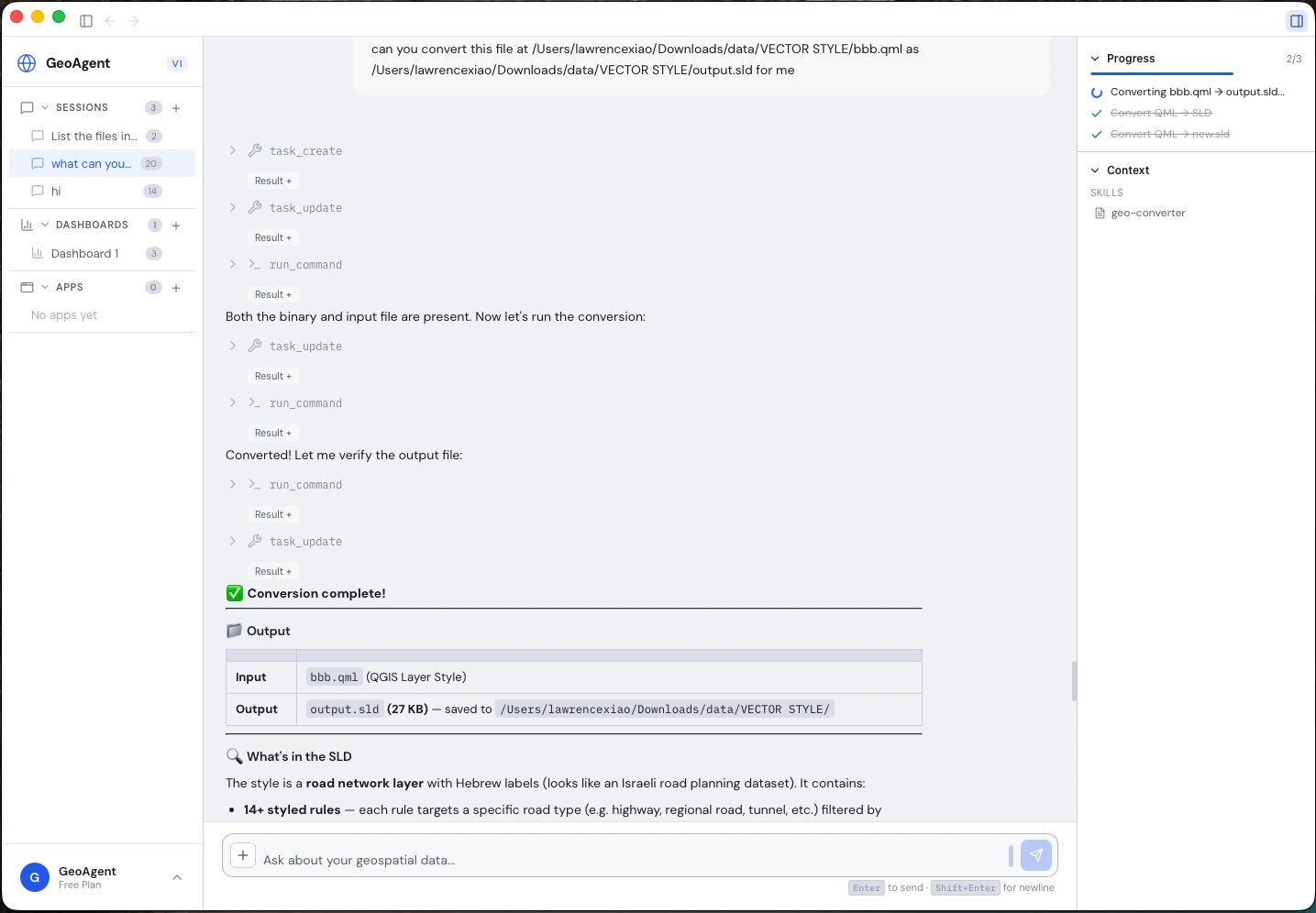
NIKA — Nexus Interactive Kartographic Agent — is a desktop application that puts an autonomous AI data analyst at the centre of your geospatial work. Point it at your files and the data sources your industry already uses; it reads them, searches external and satellite data, runs the spatial analysis on its own, and hands back the report, dashboard, or interactive map. For decision-makers without a GIS background, it’s the entry point to location analysis — and it all happens in a single, chat-driven conversation.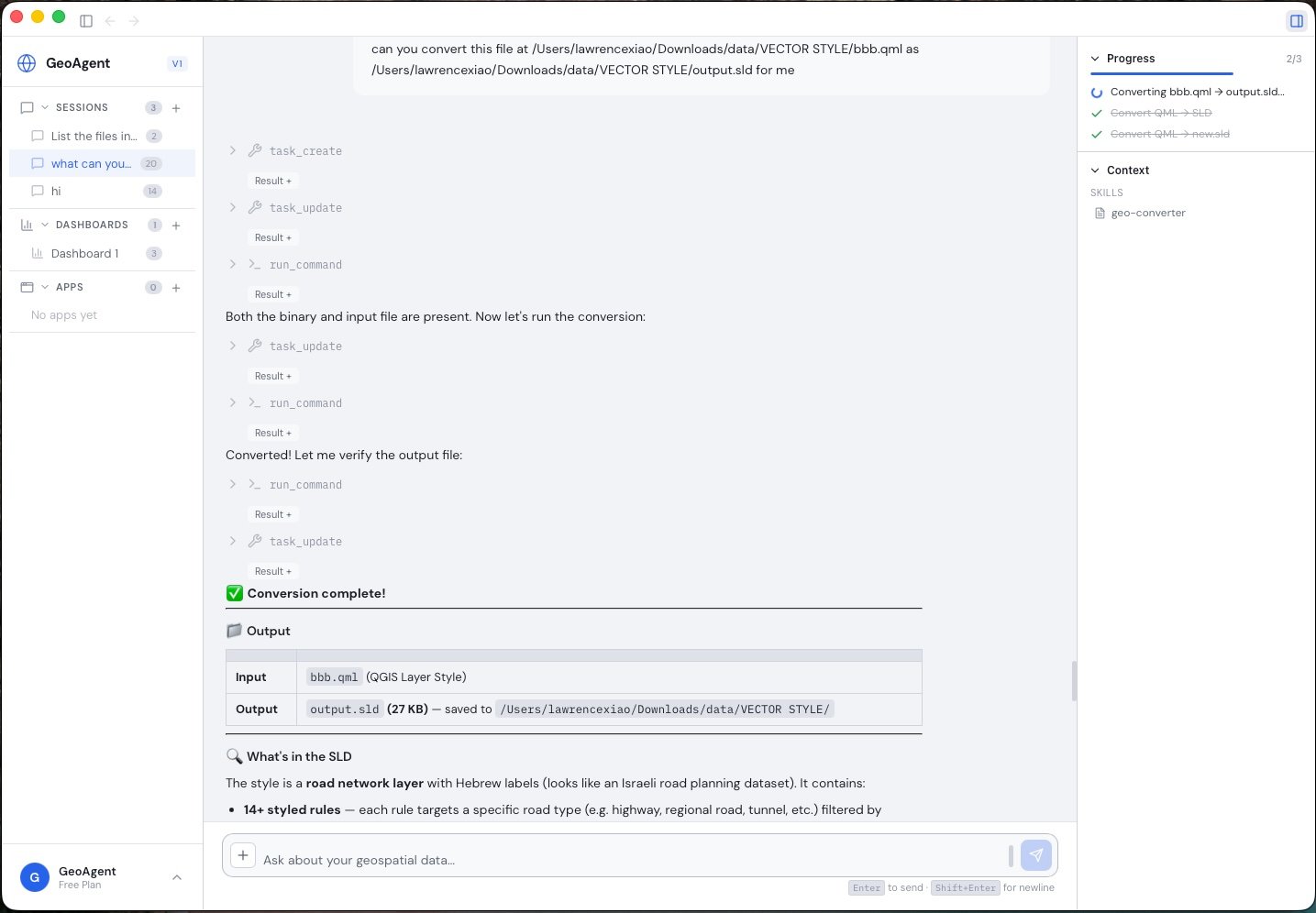
NIKA Desktop runs a multi-step analysis and renders an interactive map artifact directly in the conversation.
What NIKA Does
Autonomous analysis
Works in an agentic tool loop — reads your files, runs geospatial operations, inspects the results, and iterates until the task is done, streaming every tool call in real time so you can watch the analysis happen.
Connect files & data sources
Bring your own reports, PDFs, drawings, field photos, and spreadsheets, pull in external and satellite data, and inspect or convert across 100+ geospatial formats.
Live maps, dashboards & reports
Interactive maps, charts, dashboards, 3D viewers, and shareable reports — all generated directly in the conversation as the agent works.
NIKA Memory Core
Your organization’s enterprise brain: ingest your documents once, then anyone can query decades of institutional knowledge in plain language, grounded in your own data.
Location-Aware by Design
NIKA is a superset of general chat agents like ChatGPT, Claude, and Gemini. It does everything they do with text — then goes further, understanding real coordinates and tying every result back to real-world assets, places, and geometries, not just words on a page. That is what lets a plain-language question return a sourced answer and a map of exactly where it applies.Your Organization’s Knowledge, On Tap
Enterprises accumulate vast amounts of geospatial data over years — environmental reports, survey PDFs, regulatory filings, satellite imagery metadata, field notes, and engineering documents — scattered across drives, databases, and inboxes. The institutional knowledge locked inside these files often lives only in the heads of senior staff. NIKA Memory Core changes that. Ingest your organization’s documents and NIKA transforms them into a spatially-aware knowledge base that any team member can query through natural language. Questions that previously required decades of experience to answer — “Have we surveyed for protected species near this river corridor before?” or “What soil conditions were reported across our northern sites?” — are now accessible to everyone on the team, instantly. Learn more about NIKA Memory Core →Extensibility
Plugin System
Drop plugins into the plugins directory with aplugin.json manifest. Each plugin registers tools with input schemas that the AI agent can discover and call automatically.
MCP Server Integration
Connect external tools via the Model Context Protocol (MCP). Configure MCP servers and NIKA dynamically discovers their tools, making them available to the agent alongside built-in capabilities.Skill Templates
Save reusable prompt templates as skills. Skills provide domain-specific instructions that guide the agent’s behavior for recurring workflows — from standard data processing pipelines to compliance report generation.AI Chat with Multi-Provider Support
NIKA’s chat interface connects to multiple LLM providers, so you can choose the model that best fits your task and budget.
Multiple chat sessions are persisted to disk, so you can pick up any prior conversation exactly where you left off.