

Overview
NikaWorkers lets your team run packaged geoprocessing scripts in the cloud directly from the NikaPlanet. Workers are built with NikaGeoEngine and pushed to your workspace — once published, anyone on the team can run them without additional setup. Public workers from the community are also available to browse and run in Nika Hub.Key Features
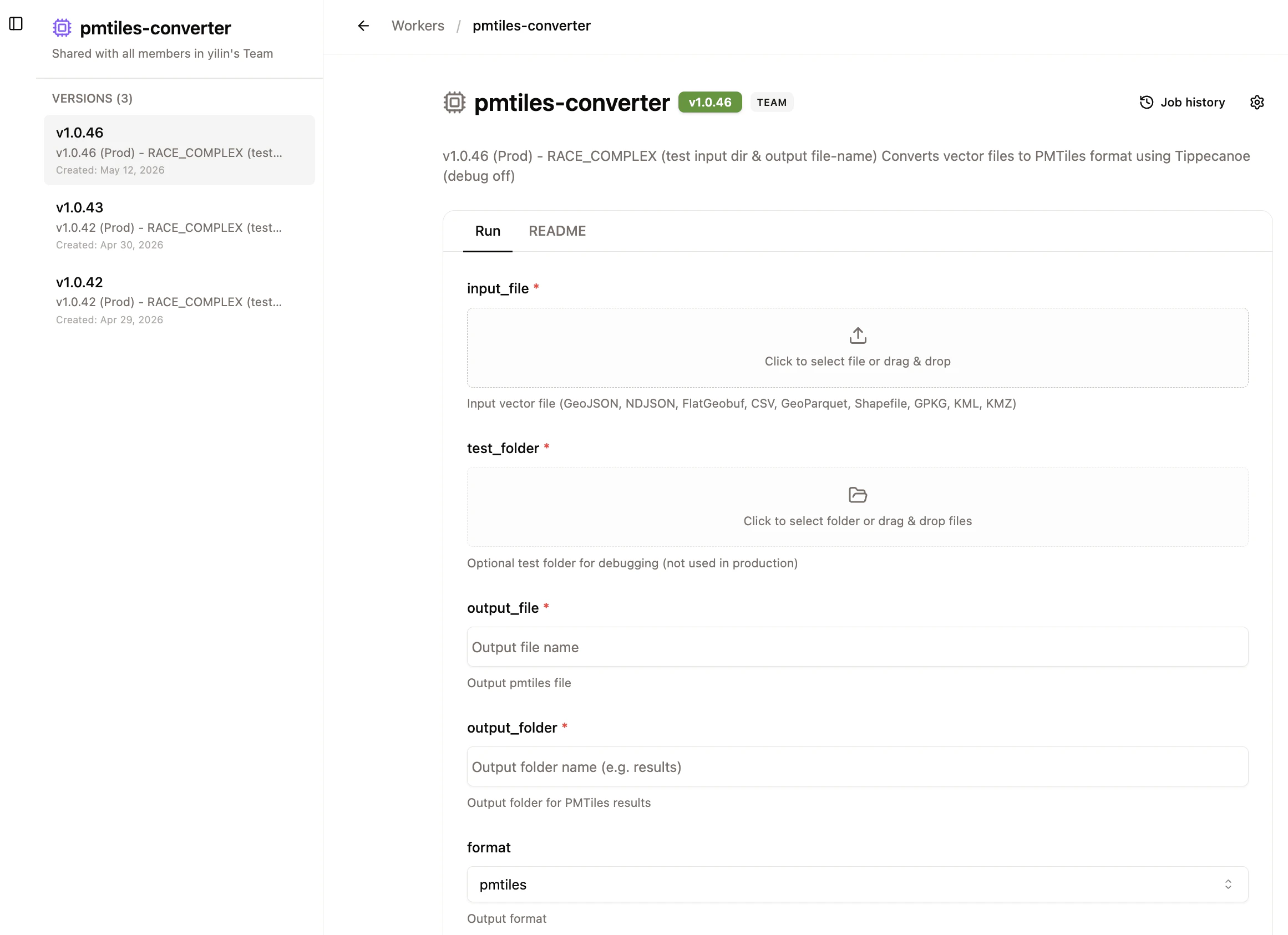
Run Workers from the Browser
- Input files/folders: Upload files or folders as inputs directly
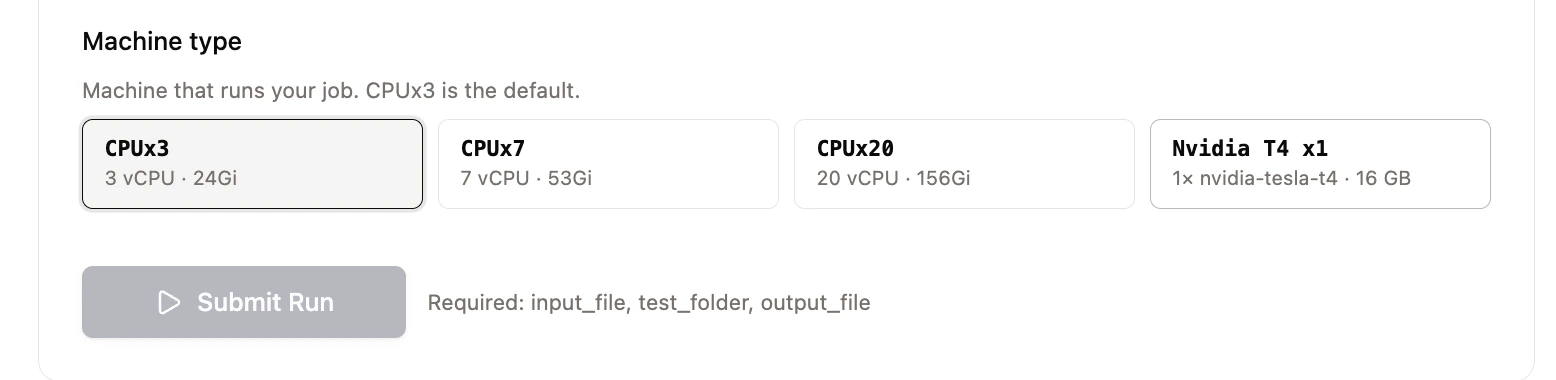
- Machine selection: Choose a CPU or GPU machine type per job based on your workload
Worker Jobs Monitoring
- Job history: See all past jobs for any worker, including machine type, duration, and exit status
- Logs and Output access: When a job succeeds, logs and output files are available for viewing or download for 3 days
Library of Community Workers
Browse and run public workers published by other NIKA users in Nika Hub. Public workers run against your own workspace plan and compute quota.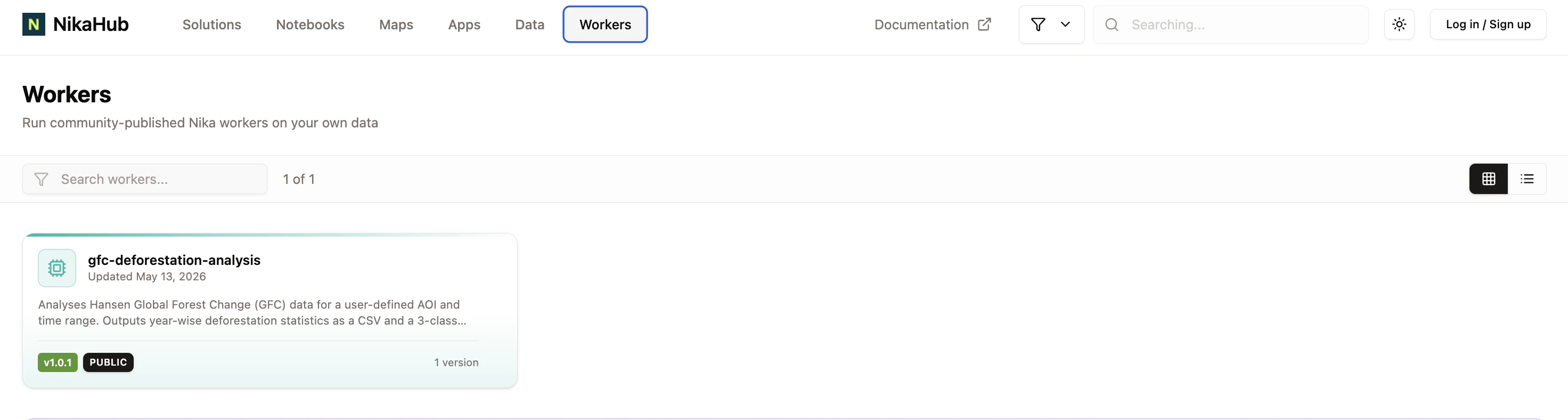
Worker Visibility & Management
- Team workers (default): visible and runnable by all members of your workspace
- Public workers: discoverable in Nika Hub by any NIKA user
- Worker Management
- Rename workers, change icons, update visibility, and delete specific versions from the Workers page
- Deleting a worker or a version also removes its associated job history