- QGIS
- ArcGIS Pro
Installing the plugin
The QGIS plugin for NikaPlanet is available here.To install the plugin:- On the github repository page, click on the code button and select “Download ZIP”

- In QGIS, go to the “Plugins” menu (upper left) and select “Manage and Install Plugins…”

- Click the “Install Plugin From ZIP” button, then click the ”…” button and select the downloaded ZIP file
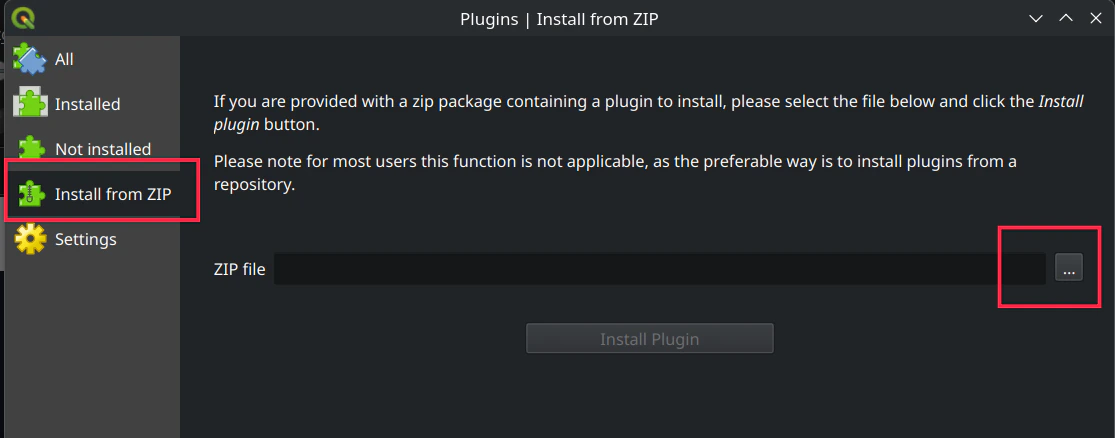
- Click the “Install Plugin” button
- The plugin will be installed and you can now use it to connect to NikaPlanet
Logging in to NikaPlanet
Logins are shared between the NikaPlanet website and the QGIS plugin. If you are already logged in to NikaPlanet, you simply need to authorize the plugin to access your account.- In QGIS, click the “NikaPlanet” button in the top bar. It is generally located beside the Python button.

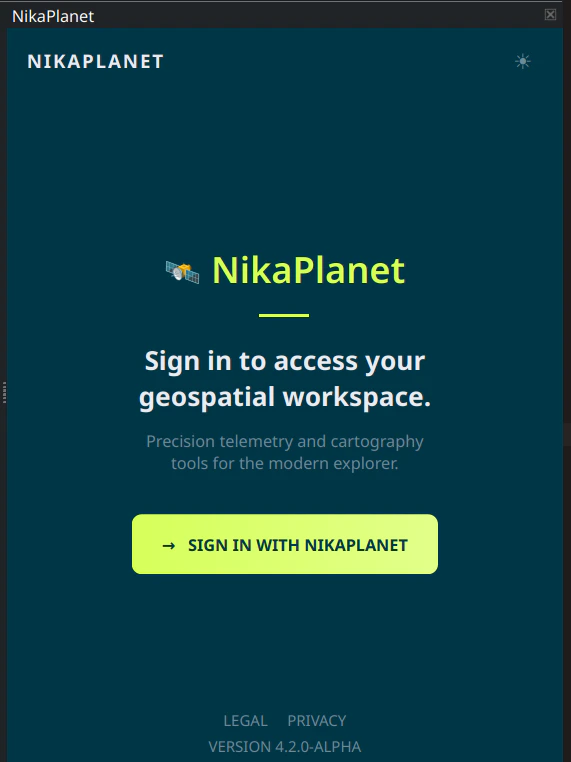
- If this is your first time logging in, you will be prompted to authorize the plugin to access your account. Click the “Sign in with NikaPlanet” button.
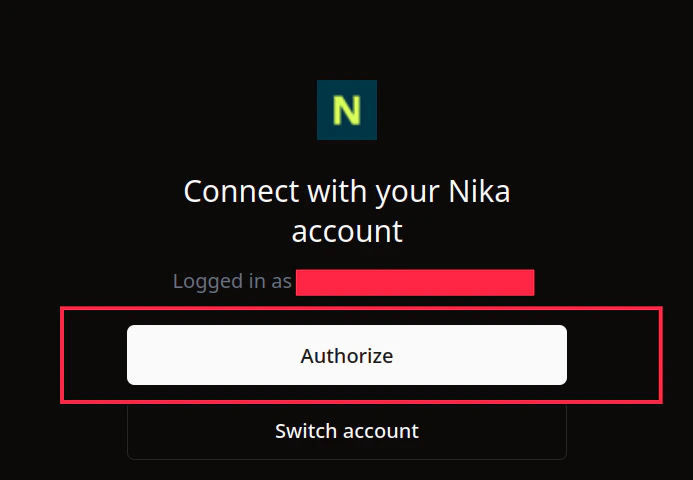
- You will be redirected to the NikaPlanet login page. Enter your NikaPlanet credentials and click the “Sign in” button.
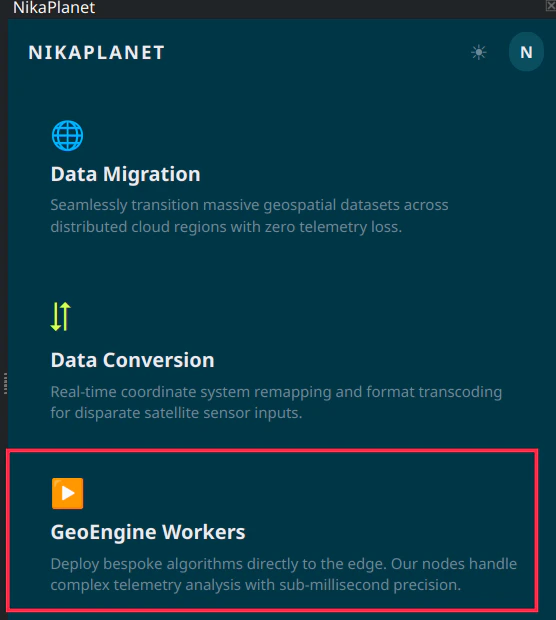
- You will be redirected back to QGIS and the NikaPlanet panel will automatically navigate to the dashboard. Click the “Geoengine Workers” button to view your workers.