

Opening the Workflow Panel
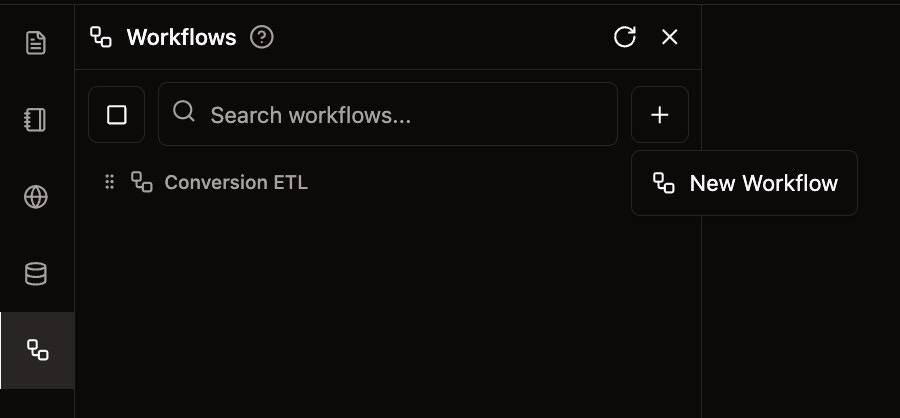
To create a new data conversion workflow:- Navigate to the Workflows section in the left panel
- Click the + button next to the search bar, or
- Click the New Workflow button on the right side of the main content area
Adding Nodes to Your Workflow
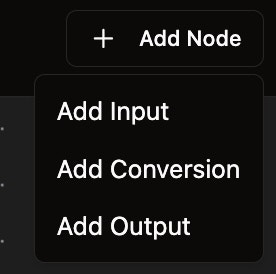
Once you’ve created a new workflow, you can add different types of nodes:- Click the Add Node button at the top of the workflow canvas
- Select from the available node types:
- Add Input - For specifying data sources
- Add Conversion - For data format transformations
- Add Output - For defining output destinations
Connecting Nodes
After adding nodes to your workflow:- Click and drag from the output port (right side) of one node
- Connect it to the input port (left side) of another node
- This creates a data flow connection between the nodes